Irrigation & Water Infrastructure Track

Build irrigation systems with calculations, hydraulic logic, and clear drawings.

A project-based path for learners who need to size, analyse, and document irrigation and water infrastructure systems with confidence.

Demand calculations that guide real sizing decisions
Hydraulic checks tied to practical network layouts
Drawings and BOQs that support project communication
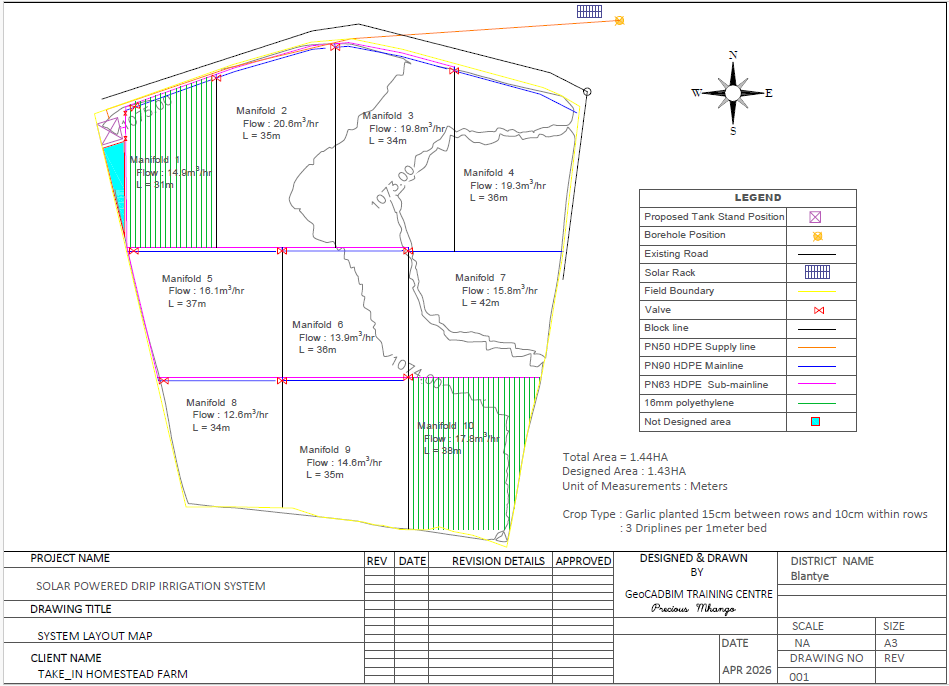
Illustration of an irrigation pump, pipeline, and field layout

Track overview

Irrigation Systems Design is designed around practical project delivery.

This track is built for learners who want more than isolated formulas. It guides you through complete irrigation and water infrastructure workflows so design decisions, hydraulic checks, and final drawings all connect properly.

The learning path stays practical throughout. You work on demand calculations, pumping decisions, network sizing, and documentation steps that help you explain the design clearly and present it in a project-ready format.

What you cover
  • Gravity-fed and pumped irrigation system design
  • Crop water requirement calculations including ET0, ETc, and demand
  • Pump selection, system sizing, and hydraulic analysis
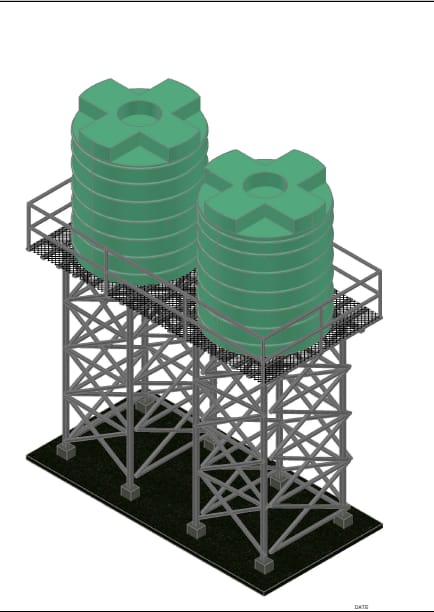
  • Pipe sizing, elevated water tanks, and reservoirs
  • Canals, drainage systems, and small weirs
  • AutoCAD 2D drawings, BOQs, and basic cost estimation
  • Excel and EPANET for hydraulic modelling
Typical outputs
  • AutoCAD 2D layout drawings for irrigation and water distribution systems
  • Water demand sheets and hydraulic design calculations
  • Pump, pipe, tank, and reservoir sizing notes linked to the design concept
  • BOQs and basic cost estimation support for the proposed works

Best fit

Who this track supports and how the workflow is delivered.

Ideal for
  • Students and graduates preparing for irrigation and water infrastructure work
  • Learners who need confidence in ET0, ETc, demand, and hydraulic sizing
  • Teams that want stronger links between calculations, modelling, and documentation
Tools and workflow
AutoCAD 2D Microsoft Excel EPANET
  • Project-based tasks are used to connect calculations, software work, and drawing production.
  • Learners receive practical guidance that keeps the work aligned with real project deliverables.
  • Support can be adapted for students, graduates, and teams that need structured technical growth.
Ready to start?

Ask about enrolment, support pacing, or one-on-one guidance.

GeoCADBIM can help you choose the right track and explain how the monthly support model fits your goals.

Chat on WhatsApp