Engineering Structures Track

Model, analyse, and document structures used in practical engineering projects.

Hands-on structural modelling and drawing production for water-related facilities and practical engineering structures.

Analysis results explained in practical design language
Structural detailing linked to modelling decisions
Coverage of RC and steel behaviour for everyday project structures
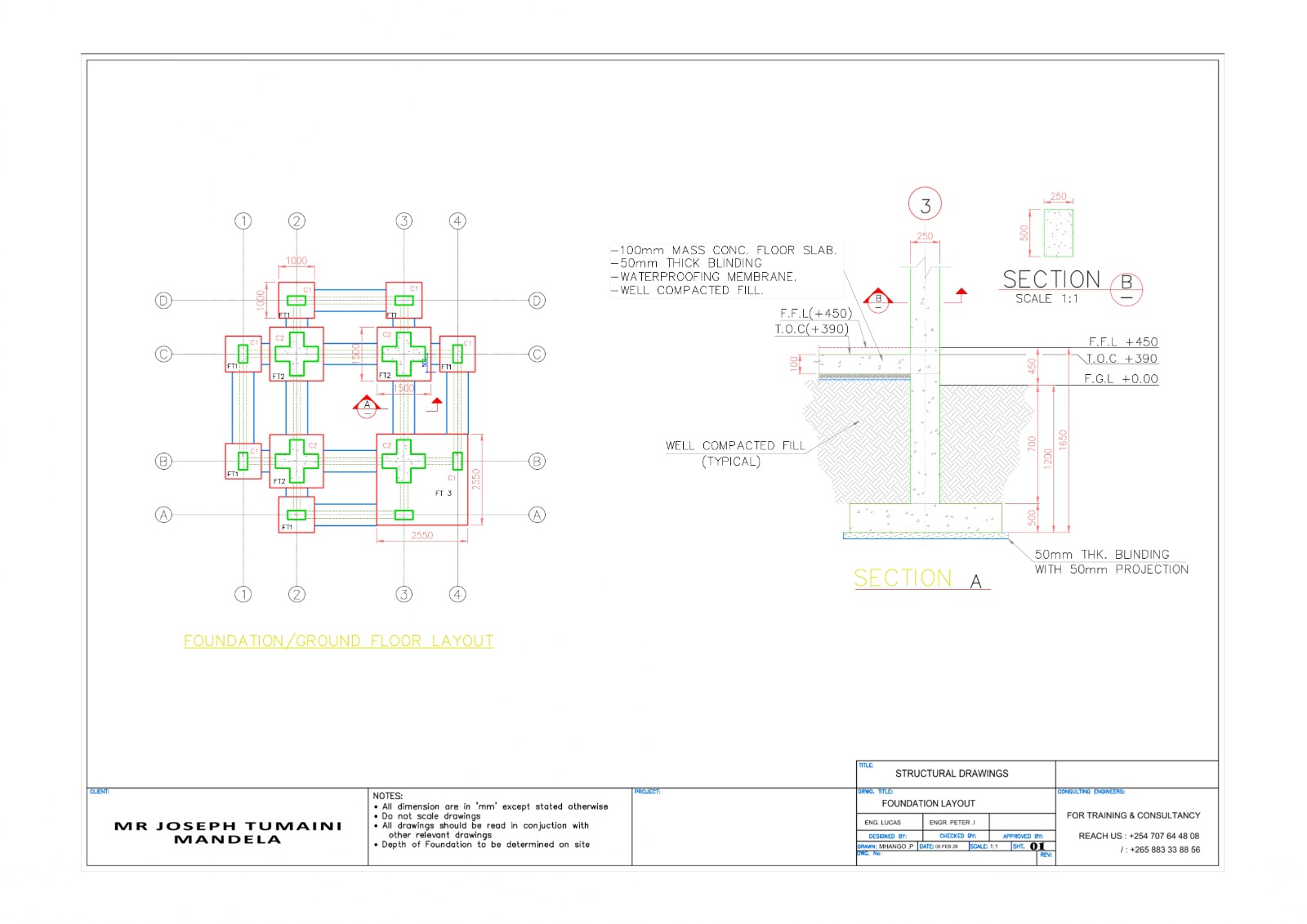
Illustration of a framed structure with beams, columns, and drawings

Track overview

Structural Design & Analysis is designed around practical project delivery.

This track focuses on structural modelling and interpretation so learners can move from loading decisions into readable analysis results and properly organized detailing outputs.

The work is kept close to practical structures that appear in real delivery environments. Instead of stopping at software operation, the training explains how to read the results and turn them into coordinated drawings, schedules, and structural decisions.

What you cover
  • Structural modelling using ProtaStructure
  • Load application and load combinations
  • RC and steel structure analysis
  • Interpretation of moments, shear, and deflection
  • Structural detailing principles and AutoCAD drawings
  • Structural BOQs and schedules
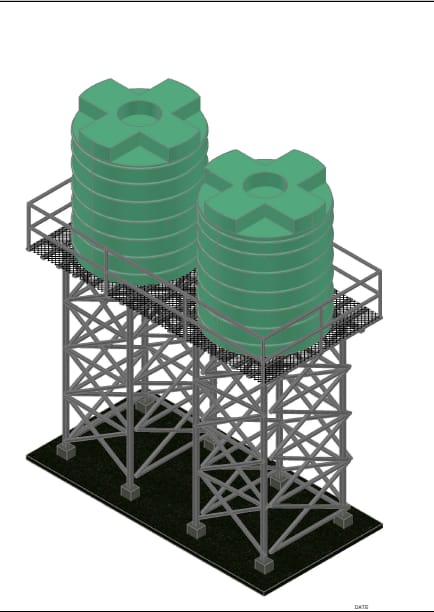
  • Focus structures include pump houses, tank stands, farm buildings, and warehouses
Typical outputs
  • Structural analysis models prepared for practical engineering checks
  • AutoCAD drawing sets and detailing support for project communication
  • Schedules and BOQs that align with structural outputs
  • Interpretation notes for moments, shear, deflection, and member behaviour

Best fit

Who this track supports and how the workflow is delivered.

Ideal for
  • Learners who want stronger structural modelling and analysis confidence
  • Graduates preparing to work on water-related facilities and support structures
  • Teams that need better coordination between structural analysis and drawing production
Tools and workflow
ProtaStructure AutoCAD Microsoft Excel
  • Project-based tasks are used to connect calculations, software work, and drawing production.
  • Learners receive practical guidance that keeps the work aligned with real project deliverables.
  • Support can be adapted for students, graduates, and teams that need structured technical growth.
Ready to start?

Ask about enrolment, support pacing, or one-on-one guidance.

GeoCADBIM can help you choose the right track and explain how the monthly support model fits your goals.

Chat on WhatsApp